
Parivahan Sewa | RTO & Driving Licence Services
Parivahan Sewa is an online transport service platform provided by the Government of India through the Ministry of Road Transport and Highways (MoRTH). It helps citizens access digital transport services, find relevant government portals, and complete eligible transport-related procedures online.
The platform aims to make transport services more accessible, reduce unnecessary visits to government offices, and improve transparency in administrative processes. Whether you want to understand how the portal works or find the right online service, this guide explains everything you need to know.
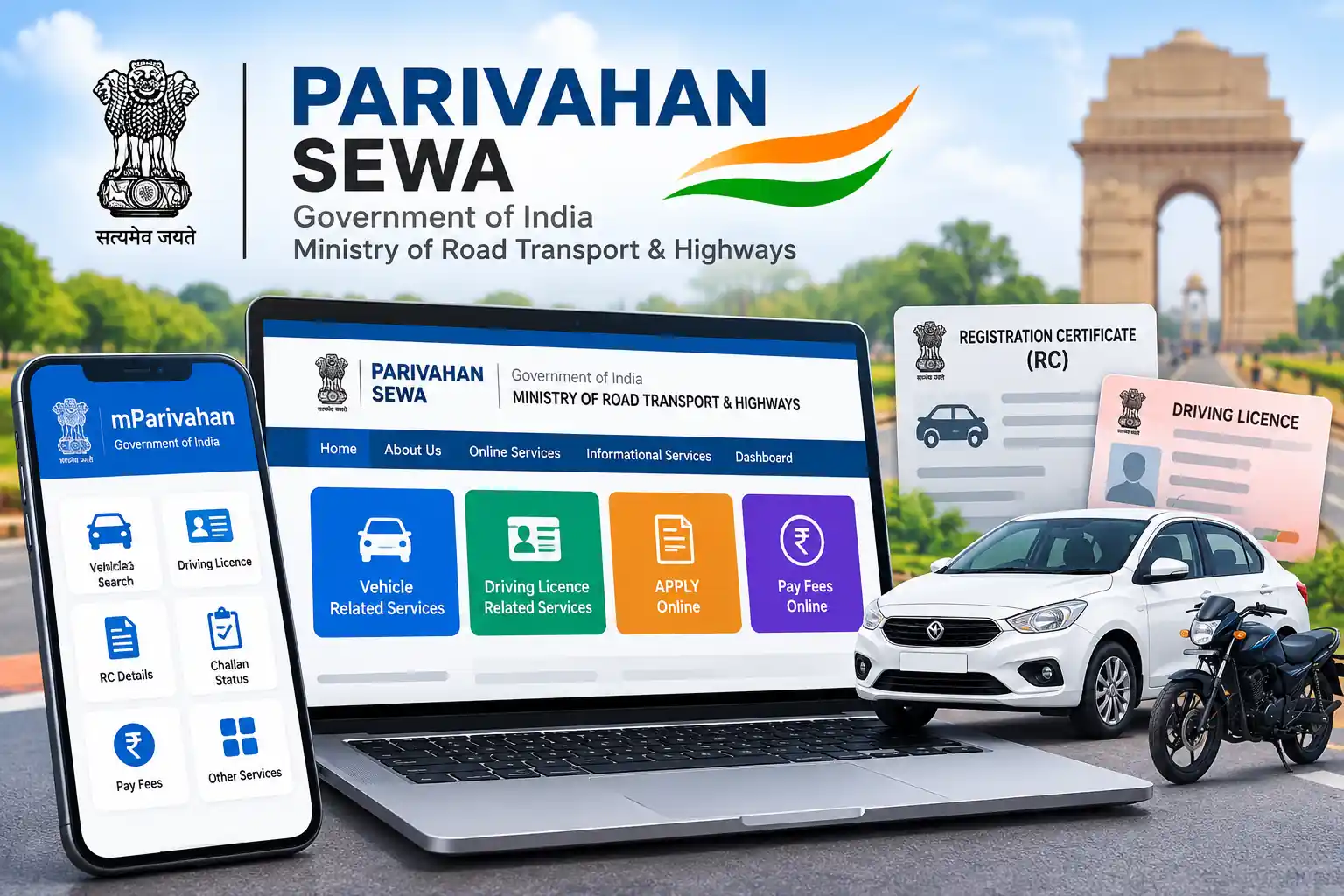
You can visit the official website at https://parivahan.gov.in/ to explore the available services.
What Is Parivahan Sewa?
Parivahan Sewaa is the central online gateway for many transport-related services in India. It connects citizens with digital facilities offered through government transport systems and helps them access the appropriate service for their needs.
The Ministry of Road Transport and Highways oversees national transport policies and related digital initiatives. Through these systems, users can find information about available transport services, follow online procedures, and access the relevant state or regional transport authority.
Before the introduction of many online facilities, people often needed to visit a Regional Transport Office (RTO) to obtain information or begin an application. Digital services have made many procedures more convenient, although certain transactions still require physical verification, an appointment, or an office visit.
The portal does not replace every RTO function. Instead, it provides an online route to services that participating authorities make available.
What Is the Official Parivahan Sewa Website?
The official website is: {https://parivahan.gov.in}
Always check the website address before entering personal information or making a payment. Unofficial websites may publish guides about government services, but they should not present themselves as the official government portal.
The official website helps visitors find transport-related information, access available online facilities, and navigate to the appropriate government service.
How to Access the Portal
Follow these simple steps to access the website:
- Open a web browser on your mobile phone, tablet, or computer.
- Enter https://parivahan.gov.in/ in the address bar.
- Check that the website address matches the official government domain.
- Explore the homepage and available service categories.
- Select the service that matches your requirement.
- Follow the instructions displayed on the relevant government portal.
Some services may ask you to select a state or registering authority before proceeding. The available options depend on the service and the authority responsible for processing your request.
Main Features of Parivahan Sewa
The platform offers several features intended to improve access to transport administration in India.
Online Access to Transport Services
The portal provides links to digital transport facilities, allowing users to locate the relevant government service without searching through multiple websites.
The available facilities depend on the service category, state, and responsible authority.
Integration With Government Transport Systems
Parivahan connects users with different transport-related digital systems. These systems handle specific functions and may use separate websites, workflows, and authentication procedures.
For example, the VAHAN system supports vehicle registration administration, while SARATHI supports driving licence services. The main Parivahan website helps users navigate to the appropriate platform.
State and RTO-Based Services
Transport administration involves national and state-level responsibilities. As a result, some procedures differ between states and registering authorities.
The portal helps users reach relevant services, but not every facility is available in every state. Applicants should check the instructions provided by their own transport authority.
Digital Application Facilities
Where supported, users can submit applications, provide requested information, upload documents, make payments, or track the progress of a request through online systems.
The exact steps depend on the service. Some procedures still require an appointment, document verification, or a physical inspection.
Access to Official Information
The website provides a starting point for finding transport-related instructions and government services.
Using official sources helps users avoid relying on outdated information, unofficial payment links, or inaccurate instructions circulated online.
Services Available Through Parivahan Sewa
The portal provides access to multiple transport service categories. Rather than performing every function on one page, it directs users to the relevant government system.
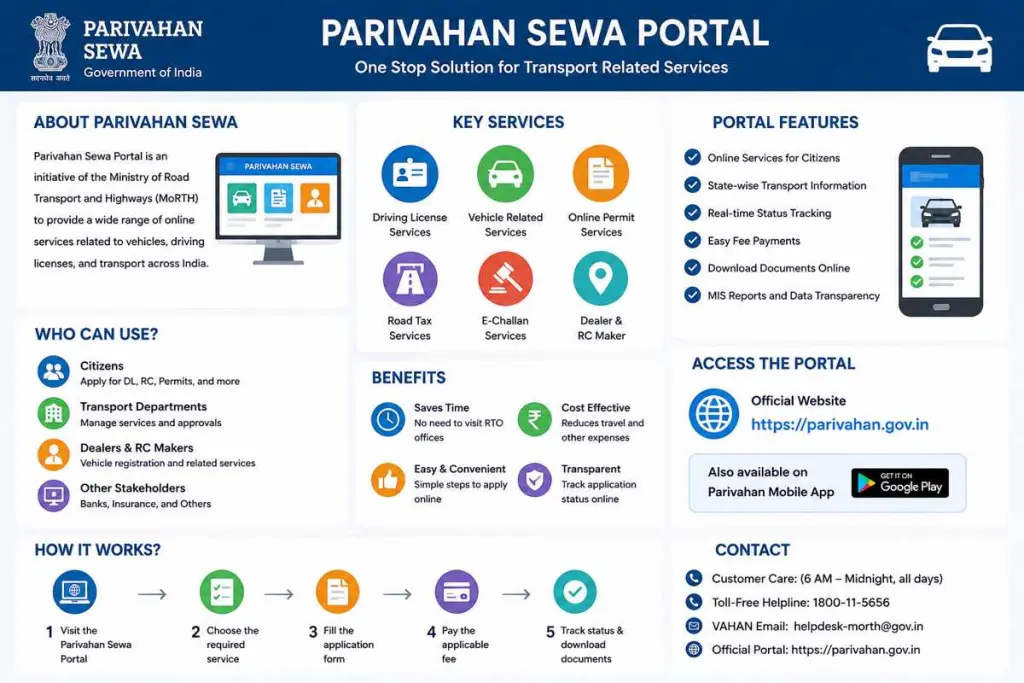
Common categories include:
- Driving licence-related services.
- Vehicle registration administration.
- Online transport application facilities.
- Permit and vehicle-related administrative services.
- Electronic challan facilities.
- Other services provided by participating transport authorities.
The exact services and application procedures may change as government systems develop. Visit the official website to confirm the current availability of a particular facility.
Understanding VAHAN and SARATHI
VAHAN and SARATHI are important components of India’s digital transport infrastructure.
VAHAN supports vehicle registration and related transport administration. SARATHI supports driving licence administration and associated services.
Although both systems fall within the broader transport services environment, they serve different purposes. Users should select the relevant system rather than assuming that every transport procedure takes place on the main Parivahan homepage.
How to Use Parivahan Sewa Online
You do not need advanced technical knowledge to navigate the portal. A basic understanding of web browsing and the information required for your chosen service is usually sufficient.
Follow this general process:
Step 1: Visit the official website
Open https://parivahan.gov.in/ using a current web browser.
Step 2: Identify your requirement
Review the available service categories and choose the option that best matches your needs.
Step 3: Open the relevant government system
The portal may redirect you to another official website to complete the procedure.
Step 4: Select the appropriate state or authority
If the service asks for your state or registering authority, choose the correct option. This helps the system display the relevant facilities.
Step 5: Read the instructions carefully
Check the information requirements, supporting documents, applicable fees, and any conditions displayed before proceeding.
Step 6: Complete the required steps
Enter accurate information and follow the instructions on the official website. Complete verification or payment only through the appropriate government service.
Step 7: Save your reference details
If the system provides an application number, acknowledgement, or payment receipt, keep it for future reference.
This general process may vary depending on the service. Always follow the specific instructions shown on the official portal.
Benefits of Using Parivahan Sewa
Digital transport services offer several practical benefits for citizens.
Convenience
Users can access available services through an internet-connected device without travelling to an RTO simply to find basic information.
Time Savings
Online access can reduce unnecessary visits and help users understand the required steps before beginning a procedure.
Improved Transparency
Official digital systems can provide application instructions, reference numbers, payment records, and status information where supported.
Easier Access to Information
The portal brings together links to different transport services, making it easier to identify the appropriate government website.
Better Record Keeping
Digital acknowledgements and receipts help users maintain records of transactions and applications.
Wider Digital Access
People in different parts of India can use online facilities without necessarily visiting a central government office. However, internet access, language support, and service availability may affect the experience.
Is Parivahan Sewa Available in Every Indian State?
Parivahan provides access to many national and state-linked transport services, but the availability of individual facilities can differ.
Some states may offer a particular procedure online, while others may require additional verification or an RTO visit. Certain services may also depend on vehicle category, application type, or the authority responsible for the record.
Before beginning an application, select the correct state and read the instructions displayed on the relevant portal.
Do not assume that a procedure, fee, or processing time remains identical across India.
Is Parivahan Sewa Free to Use?
Accessing the main website to read information and navigate between services generally does not require a fee.
However, individual transport transactions may involve government charges, taxes, service fees, or other payments. The amount depends on the service and applicable rules.
Before paying, review the fee displayed on the official government portal. Avoid websites or agents that request unexplained payments or claim to guarantee approval.
If a payment fails, check the transaction status and your bank record before trying again. Save the transaction reference if the system provides one.
Common Problems When Using Parivahaan Sewa
Although online transport services can simplify administrative procedures, users may occasionally experience technical difficulties.
Website Not Opening
Check your internet connection and try refreshing the page. You can also open the official website in another current browser.
If the problem continues, the service may be temporarily unavailable. Try again later rather than using an unfamiliar website that claims to offer the same facility.
Service Not Available
Some services depend on your state or registering authority. Check that you selected the correct state and that the required facility appears on the relevant official website.
Login or Verification Problems
Follow the authentication instructions shown on the official portal. If you do not receive a verification code, check your registered contact details and mobile network where relevant.
Never share an OTP or password with an unknown person claiming to provide technical support.
Payment Status Not Updated
A bank transaction and the status displayed by a government portal may not update at exactly the same time.
Review the payment record, retain the transaction reference, and follow the portal’s official guidance before making another payment.
Application or Service Errors
Check that you entered the requested information correctly and supplied the required documents. If the error continues, use the contact information published on the relevant government website or contact the responsible RTO.
How to Check Vehicle Owner Details Online
People often search for vehicle owner details by number plate when they want to identify a vehicle, verify registration information, or check a used vehicle before purchasing it.
The official transport system provides vehicle-related information through its available services. The exact fields displayed can depend on the portal, the vehicle record, and applicable privacy restrictions.
A registration number does not give every visitor unrestricted access to the registered owner’s private information. Use only information lawfully made available through official services.
Tips for Using Parivahan Sewa Safely
Follow these precautions when accessing online government services:
- Use the official website or a verified government service link.
- Check the website address before entering personal information.
- Provide accurate details in application forms.
- Review the applicable fee before confirming a payment.
- Keep application references and receipts in a safe place.
- Avoid sharing OTPs, passwords, or confidential documents with unknown individuals.
- Do not install mobile applications from unverified sources.
- Check current instructions rather than relying on old screenshots or outdated articles.
- Contact the responsible authority if the information shown on the portal appears incorrect.
These simple practices can help you avoid fraudulent websites, incorrect applications, and unnecessary payment problems.
The Required Service Is Missing
Some services are available only for particular states, vehicle classes, or application types. Select the correct state and registering authority, then check the relevant service page.
How to Contact the Helpdesk
For technical problems, use the contact information published on the official Parivahan website. The VAHAN and SARATHI helpdesks handle different categories of issues, so choose the contact channel that matches your problem.
Avoid relying on phone numbers copied from unofficial blogs without checking them against the live government website.
How to Verify a Used Vehicle Before Buying It
Checking a vehicle’s registration details is useful, but it should form only one part of your due diligence.
Before buying a used car, motorcycle, or other vehicle:
- Compare the registration number with the number plate and RC.
- Check the vehicle’s make, model, and other available particulars.
- Compare the chassis and engine numbers with the relevant documents and physical markings where appropriate.
- Check registration validity and any available insurance, fitness, or pollution certificate information.
- Review available challan information.
- Ask the seller about any outstanding loan or hypothecation entry.
- Arrange an independent mechanical inspection.
- Complete the official ownership-transfer procedure and retain the application receipt.
A matching online record does not prove that a vehicle has never been damaged, that the seller has legal authority to sell it, or that no financial liability exists. Check the documents and obtain appropriate professional advice when necessary.
Frequently Asked Questions
What is Parivahan Sewa used for?
It provides access to online transport-related services in India, including facilities for vehicle registration administration, driving licence administration, and other services offered through government transport systems.
What is the official Parivahan Sewa website?
The official website is https://parivahan.gov.in/. Use this website to find relevant transport services and official information.
Who manages Parivahan Sewa?
The platform operates within the Government of India’s transport administration framework under the Ministry of Road Transport and Highways.
Can I access Parivahan Sewa on my mobile phone?
Yes. You can open the website using a compatible mobile browser. Some services may also provide mobile-friendly interfaces or dedicated applications.
Is Parivahan Sewa a government website?
Yes. The official Parivahan portal is a government transport services website. Independent websites may publish informational guides, but they should clearly distinguish themselves from official government services.
Do I need to visit an RTO after using Parivahan Sewa?
Not always. Many procedures offer online facilities, but some require document verification, an appointment, a physical inspection, or another step at the relevant authority.
Why does a service redirect me to another website?
Different transport systems manage different functions. The main portal may direct you to the appropriate government system to complete a specific procedure.
Are all services available in every state?
No. Availability depends on the service, state, registering authority, and applicable administrative requirements.
Does every service have the same fee?
No. Charges depend on the service and relevant government rules. Check the amount displayed on the official portal before making a payment.
What should I do if I experience a technical problem?
Check your internet connection, verify the information you entered, and review the portal’s instructions. If the issue continues, contact the official helpdesk or relevant transport authority.
Conclusion
Parivahan Sewa provides a central starting point for accessing many online transport services in India. It helps citizens find relevant government systems, understand available procedures, and complete eligible administrative tasks through digital channels.
To use the platform effectively, start with the official website, select the appropriate service, and follow the instructions provided by the responsible authority. Always verify current requirements, fees, and service availability before submitting an application or making a payment.
By using official government resources and following basic online safety practices, you can navigate India’s digital transport services more confidently.
Official website: https://parivahan.gov.in/
Disclaimer: This article is for informational purposes only. It is not an official government publication and is not affiliated with the Ministry of Road Transport and Highways. Service availability, fees, and procedures may change. Consult the official portal for current information.