
Vahan Vehicle Details, Check Vehicle Owner & RC
Need to check a vehicle’s registration details in India? The Vahan Vehicle Details service helps you look up important vehicle information using its registration number. Whether you want to verify your own vehicle, check a used car before buying it, or confirm registration information, official transport services can help you find the details you need.
The VAHAN system supports vehicle registration services across India. Through the official VAHAN Citizen Services portal, you can access registration-related services and check the information available for your vehicle.
This guide explains how to search for vehicle details online, understand the information displayed, check RC status, use the mParivahan app, and resolve common search problems.
What Is VAHAN?
VAHAN is India’s national vehicle registration system. The Ministry of Road Transport and Highways (MoRTH) oversees transport-related services, while the National Informatics Centre (NIC) develops and supports many of the associated digital platforms.
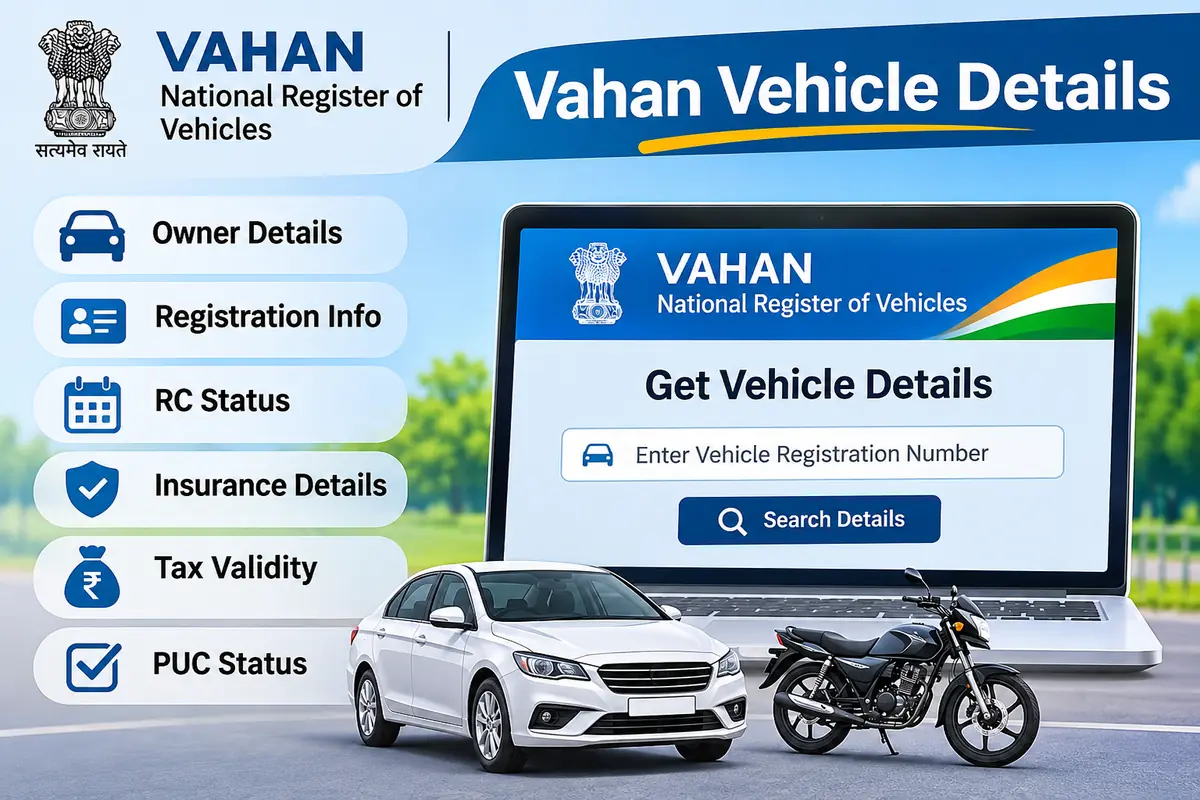
VAHAN helps transport authorities manage vehicle registration records and provide online services to citizens. It connects vehicle registration information from participating Regional Transport Offices (RTOs) across India.
VAHAN vs. Parivahan vs. mParivahan
These names refer to related but different services:
- VAHAN: The vehicle registration system and its associated citizen services.
- Parivahan Sewa: The broader government transport-services portal, which includes vehicle and driving licence services.
- mParivahan: The official mobile application for accessing transport information and selected digital services.
If you want to check registration information, start with the VAHAN portal or the official mParivahan app.
How to Check VAHAN Vehicle Details Online
You can use your vehicle registration number to search for available registration information. Follow these steps.
Open the official VAHAN portal
Visit the VAHAN Citizen Services website.
Make sure the address belongs to the official government domain. Avoid websites that imitate government services or ask for unnecessary personal information.
Select your state or registering authority
Depending on the service and portal interface, you may need to select your state, registering authority, or RTO.
Choose the authority associated with the vehicle’s registration.
Enter the vehicle registration number
Type the complete registration number exactly as it appears on the number plate or Registration Certificate (RC).
For example, an illustrative registration number might look like MH 12 AB 1234. Use the actual number of the vehicle you want to check.
Complete the required verification
The portal may ask you to complete a CAPTCHA, OTP verification, or another security check. Follow the instructions displayed on the official website.
Review the available vehicle information
Submit your search and review the information the service provides. The exact fields may vary depending on the vehicle record, state, and service.
Important: The public vehicle lookup and authenticated owner services may show different information. Some services require the registered owner’s mobile number, chassis details, or additional verification.
What Information Can You Find Using VAHAN?
The available record may include registration details, vehicle specifications, and selected compliance information. The following table explains common fields.
| Information | What it tells you |
|---|---|
| Registration number | The vehicle’s official registration identifier |
| Registration date | When the authority registered the vehicle |
| Registering authority | The RTO responsible for the registration |
| Vehicle make and model | The manufacturer and model name |
| Vehicle class | The category assigned to the vehicle |
| Fuel type | Petrol, diesel, CNG, electric, or another fuel |
| Engine capacity | Engine displacement, where available |
| Vehicle age | Approximate age based on registration information |
| Insurance validity | Insurance details available in the record |
| Fitness validity | Fitness certificate information, where applicable |
| PUC status | Pollution certificate information, where available |
| Hypothecation | Finance-related information recorded against the vehicle |
Not every record displays every field. Older vehicles, recently updated records, and vehicles registered in different states may show different information.
Understanding vehicle registration details
A vehicle registration number identifies a vehicle within the Indian registration system. The number usually contains a state or union territory code, an RTO identifier, a letter series, and a numeric sequence.
For example, in the illustrative number MH 12 AB 1234:
- MH identifies Maharashtra.
- 12 identifies the registering RTO.
- AB represents the registration series.
- 1234 is the numeric identifier.
The format may vary for certain registration categories. Use the RC and official records to confirm the vehicle’s registration information.
How to Check Vehicle Owner Details by Number Plate
Many people search for vehicle owner details by number plate when they want to verify a vehicle before buying it or identify a vehicle involved in an incident.
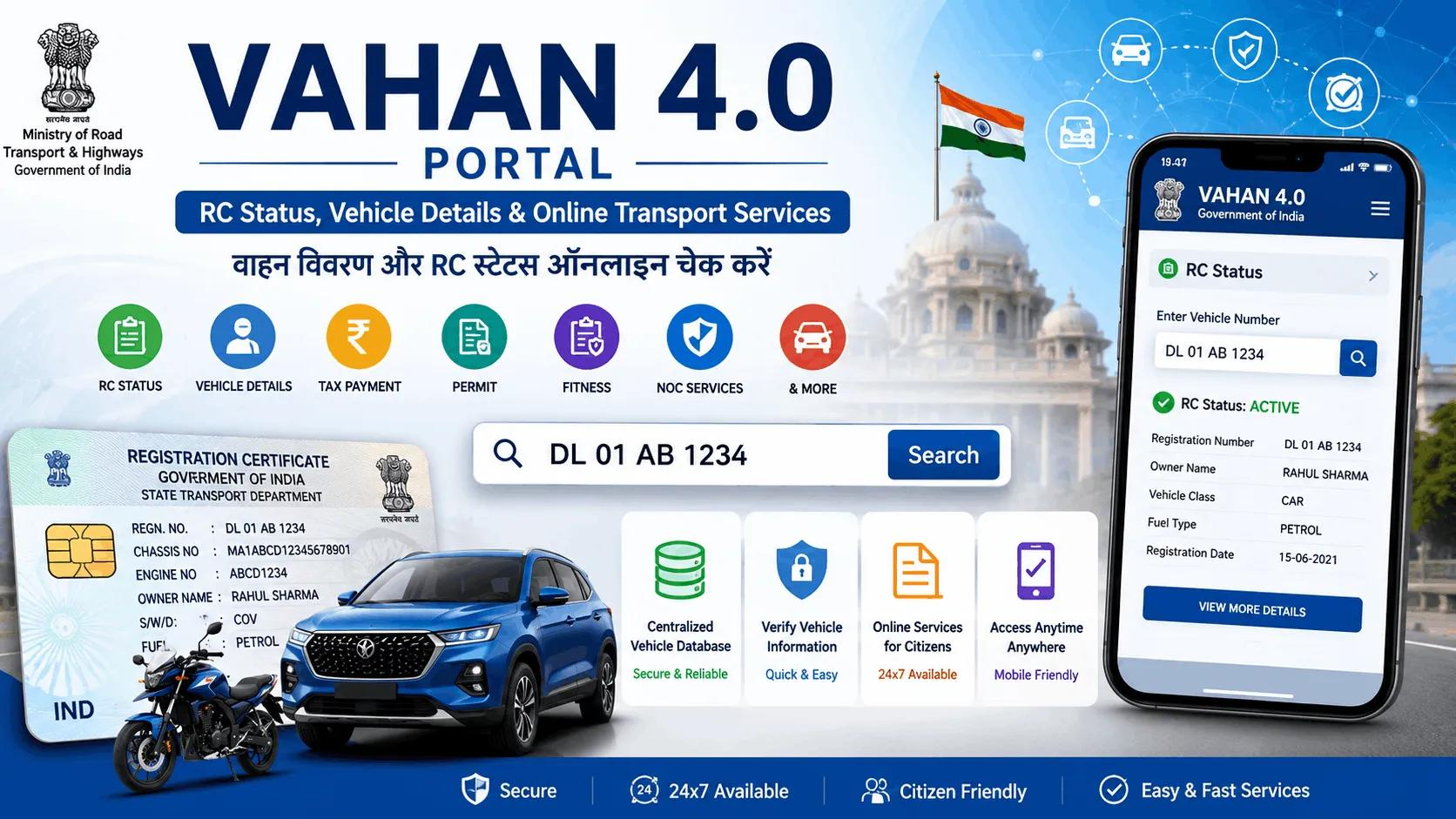
The official services may display limited registered-owner information, but they do not guarantee access to the owner’s complete personal details.
What owner information can you see?
Depending on the service, you may see a registered owner’s name or limited identifying information. The portal may mask or restrict personal data to protect privacy.
You should not expect a public search to reveal the owner’s private residential address, personal phone number, or other protected information.
What if you need more information?
If you have a legitimate reason to obtain information that the public portal does not show, contact the relevant RTO or the appropriate law enforcement authority. They can explain the applicable process and documentation requirements.
Avoid websites that promise unrestricted access to private vehicle-owner information.
How to Check VAHAN RC Status Online
The Registration Certificate (RC) confirms that a vehicle has completed the required registration process. VAHAN provides registration-related services, but checking a vehicle record differs from tracking an application.
Check vehicle registration information
Open the official VAHAN portal and enter the registration number. Review the available registration information and validity fields.
Track an RC application
If you recently applied for a new RC, duplicate RC, or another registration service, use the relevant application-status option on the official portal.
You may need your application number, registration number, or other identifying information.
Check ownership transfer status
When you buy or sell a vehicle, the registered ownership must reflect the correct owner. Use the official vehicle services to track the transfer application and follow any instructions from the registering RTO.
How to Check Vehicle Details Using the mParivahan App
The official mParivahan app offers a convenient mobile option for checking vehicle information and accessing selected transport services.
Steps to use mParivahan
- Open the Google Play Store or Apple App Store.
- Search for the official mParivahan app and verify its publisher.
- Install and open the app.
- Find the vehicle or RC search feature.
- Enter the vehicle registration number.
- Review the information available for that vehicle.
The app also supports selected digital transport services, including virtual RC and driving licence features for eligible users.
Use the official Parivahan portal to find government transport-service information and links to related services.
How to Check Vehicle Insurance, PUC, Fitness, and Challan Status
Vehicle registration information can help you identify important compliance details. However, different services may use separate records or require additional verification.
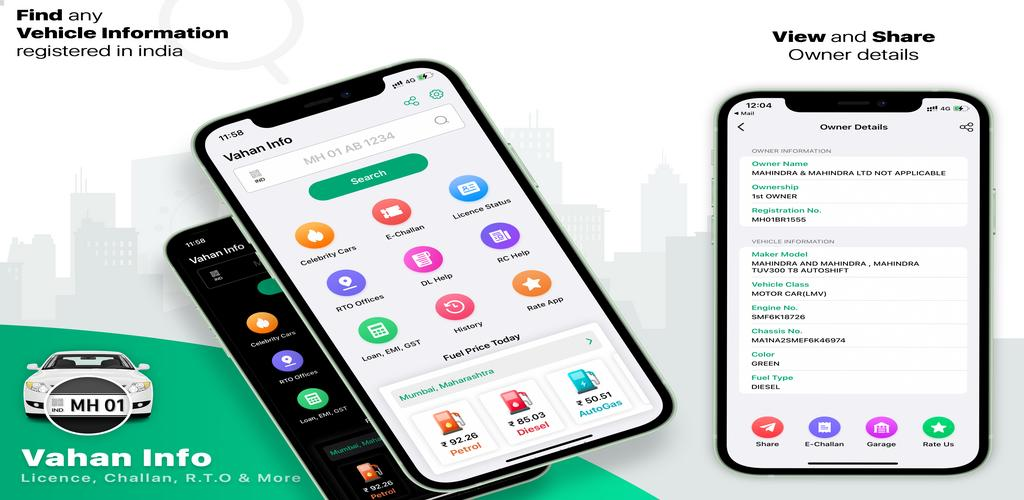
Check vehicle insurance validity
Review the insurance information available through the official vehicle services. If the record appears outdated, confirm the policy details with your insurer.
Check PUC certificate status
A Pollution Under Control (PUC) certificate confirms that a vehicle meets applicable emission requirements. Check the available PUC information and confirm the certificate’s validity through the appropriate official service.
Check fitness certificate validity
Fitness requirements apply according to the vehicle type and applicable transport rules. Commercial vehicles may have specific fitness requirements. Check the official record or contact the RTO if you need clarification.
Check pending traffic challans
Use the official eChallan portal to check traffic challan information and follow the available payment or dispute process.
Check other vehicle services
The Parivahan vehicle status report provides a separate interface for checking supported information such as HSRP, insurance, PUCC, and pending challans.
The availability of each service may depend on the vehicle record and the relevant authority.
How to Verify a Used Vehicle Before Buying
Checking online vehicle information is an important step when buying a second-hand car, bike, or commercial vehicle. It helps you identify possible discrepancies before you pay.
Use this checklist before completing the purchase:
- Match the registration number: Compare the number plate with the RC and the vehicle’s physical identifiers.
- Check the make and model: Confirm that the vehicle details match the seller’s description.
- Verify the registration date: Check the vehicle’s age and registration history.
- Confirm the seller’s identity: Make sure the seller has the authority to sell the vehicle.
- Review insurance and fitness: Check the relevant validity dates.
- Check PUC and challans: Review available compliance information and outstanding penalties.
- Check finance information: Confirm whether the RC shows hypothecation or another finance-related entry.
- Arrange a mechanical inspection: Ask a qualified mechanic to inspect the vehicle’s condition.
- Complete ownership transfer: Follow the official process and keep the application receipt.
Online registration information does not replace a physical inspection, document verification, or a proper sale agreement.
Common VAHAN Vehicle Search Problems and Solutions
Sometimes the portal may not display the expected information. Here are common issues and practical steps to resolve them.
| Problem | What you can do |
|---|---|
| Vehicle not found | Check the registration number and try again |
| Incorrect vehicle details | Compare the record with the RC and contact the RTO |
| Insurance information looks outdated | Confirm the policy with the insurer |
| OTP does not arrive | Check the registered mobile number and retry |
| CAPTCHA fails | Refresh the page and enter the new code |
| Older vehicle record is missing | Ask the registering RTO about record digitization |
| Portal is unavailable | Retry later or use the official mobile app |
Why does VAHAN show “No record found”?
A missing record does not automatically mean the vehicle is unregistered. The vehicle may have an older record, incomplete digitization, a data-entry issue, or a registration number that you entered incorrectly.
Check the RC and registration number first. If the issue continues, contact the relevant RTO and ask how to verify or update the record.
How to Correct Incorrect Vehicle Details on VAHAN
If the online record does not match your RC, take steps to correct the information through the official authority.
- Identify the incorrect field.
- Gather the RC and supporting documents.
- Visit the official VAHAN portal and check whether the relevant correction service is available.
- Follow the instructions for authentication, document upload, fees, or an appointment.
- Contact the registering RTO if the service requires in-person verification.
- Check the record again after the authority processes the correction.
The required documents and procedure can vary by state and correction type. Use the official portal or RTO guidance rather than relying on an unofficial website.
Frequently Asked Questions
How can I check VAHAN vehicle details by registration number?
Open the official VAHAN Citizen Services portal, enter the vehicle registration number, complete any required verification, and review the information available.
Is VAHAN vehicle lookup free?
Some public information services are available without a service fee. Certain authenticated services, applications, or registration-related transactions may require fees. Check the official portal before proceeding.
Can I check a vehicle owner’s full address or phone number?
Public services restrict access to personal information. You may see limited owner information, but you should not expect a public lookup to provide a private address or phone number.
Is VAHAN the same as Parivahan?
No. VAHAN focuses on vehicle registration information and related services. Parivahan is the broader government transport-services portal.
Can I check vehicle details using mParivahan?
Yes. The official mParivahan app supports vehicle information searches and selected digital transport services.
Why is my vehicle not showing on VAHAN?
Check the registration number for errors. Older records or incomplete digitization may also affect search results. Contact your registering RTO if the issue continues.
How can I check vehicle insurance validity online?
Review the available insurance information through official vehicle services. If the displayed details appear incorrect, confirm the policy with your insurer.
How do I check pending challans?
Use the official eChallan portal and enter the requested vehicle or challan information.
Final Words
Checking vehicle registration information online can help you verify important details, review compliance information, and make more informed decisions when buying a used vehicle.
Start with the official VAHAN portal or mParivahan app, confirm the information against the RC, and contact the relevant RTO if you find missing or incorrect records.
Use official government services for vehicle-related transactions and protect personal information when searching online.